STEP 01
⌁
Connect your device
Join the PaySure device Wi-Fi and open 192.168.4.1. Follow the on-screen setup instructions.

Meet PaySure — a compact QR payment display built to make everyday collections feel effortless. Clear instructions for customers, a connected device experience for you.
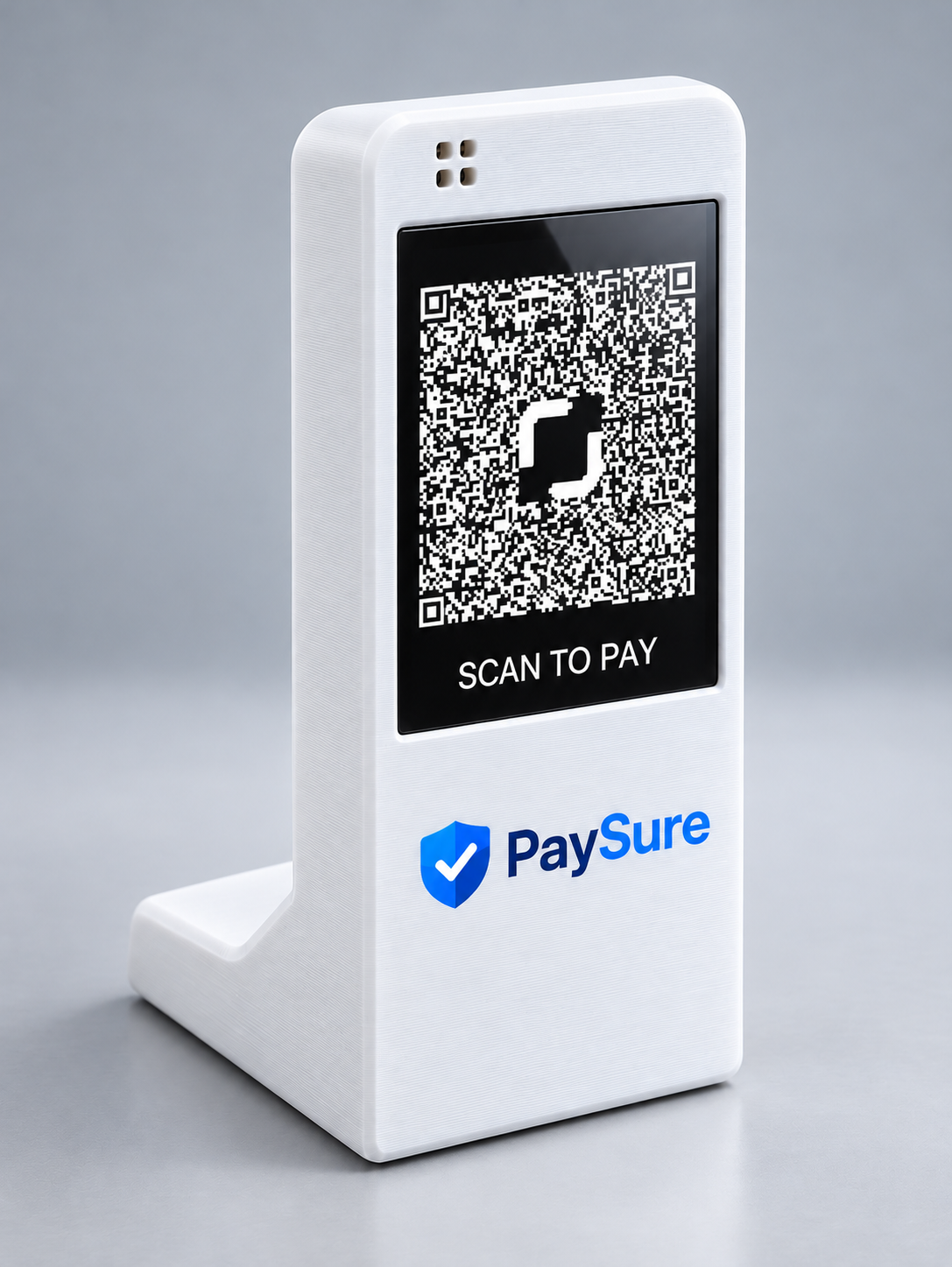
PaySure is designed around a straightforward customer experience and a device portal you can access when you need it.
Join the PaySure device Wi-Fi and open 192.168.4.1. Follow the on-screen setup instructions.
Enter your Gmail and a device location in the setup portal, then save. The device connects to your PaySure account automatically when it reaches the internet. Changing a linked Gmail requires a confirmation code sent to the current address.
Your kiosk displays the payment QR and clear scan-to-pay guidance for your customers.
Sign in to the portal to view connected devices and financial activity available to your account.
Everything starts with a clear display and a portal designed to make device management less complicated.
A dedicated screen keeps the QR and “Scan to Pay” instruction front and center, so customers know what to do.
A friendly audio announcement can speak the amount after payment is verified.
Connect to the device Wi-Fi, open the setup portal, and follow the on-screen steps.
A clean, compact enclosure with a focused display and a memorable PaySure identity. Keep your payment experience tidy without a bulky setup.
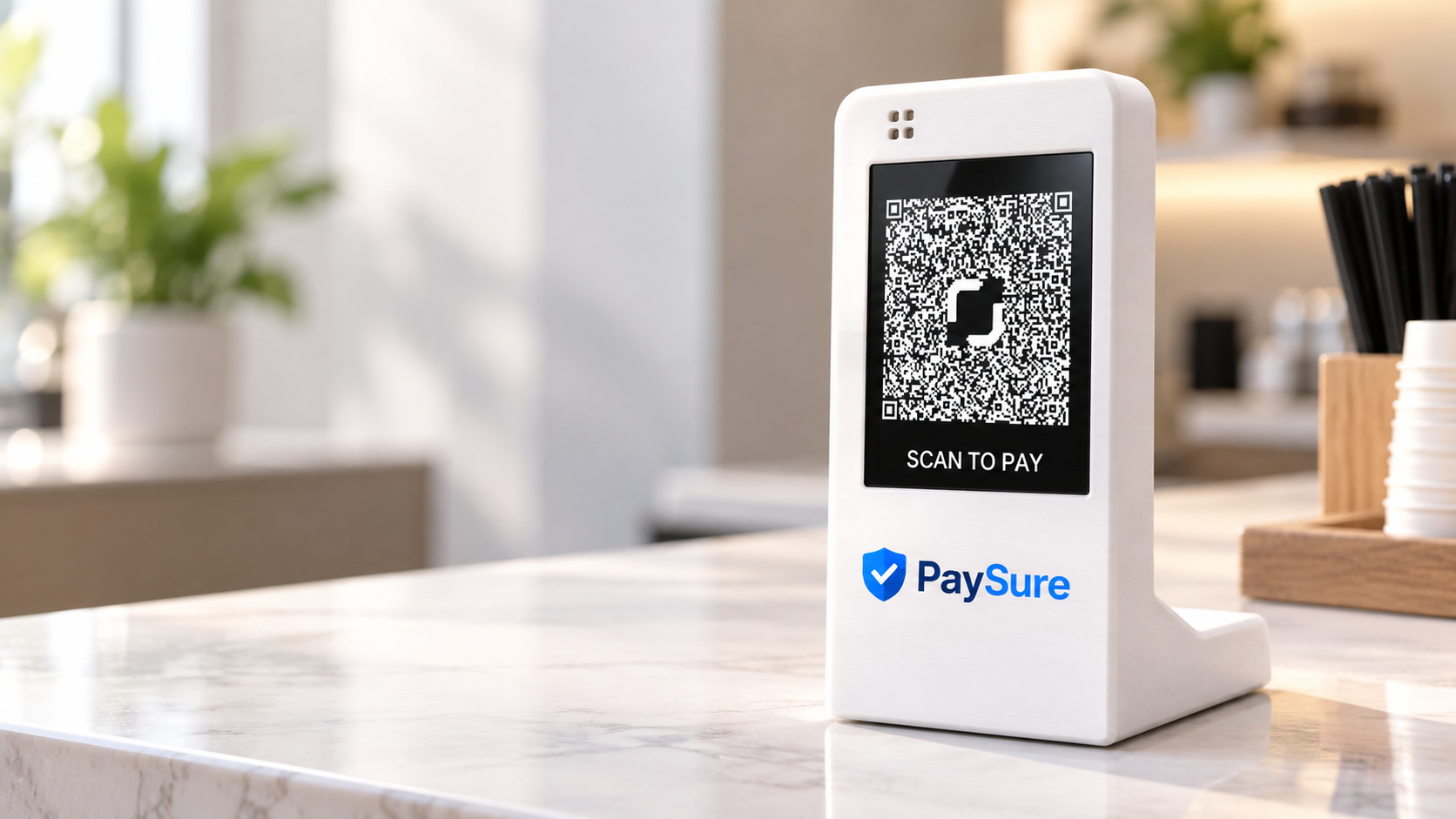
Choose up to 20 devices, pay securely by QR Ph, and we’ll receive your order after PayMongo confirms payment.
Hear the same sample announcement used by the device. Press play to check the complete “Received five thousand pesos” voice clip.
Preview volume depends on your phone or computer. Use your device’s volume controls to adjust it.
₱5,000
“Received five thousand pesos.”
Tap play to hear the sample.
Important details about setup, accounts and ordering.
The listed device price is ₱2,500 per unit plus a flat ₱100 nationwide shipping fee per order.
Connect to the device setup Wi-Fi, visit 192.168.4.1, enter your Gmail, device location and shop Wi-Fi, then save. The device registers automatically. If you change its Gmail later, enter the confirmation code sent to the current Gmail.
Each connected PaySure device has its own wallet and verified payment history, visible to the Google account that linked it.
Eligible PaySure wallets can submit a bank or e-wallet payout. A flat ₱20 service charge applies per withdrawal.
payment provider will be used for the payment flow. The final checkout must be connected to the correct live account and webhook before accepting customer payments.